
QUICK VERDICT
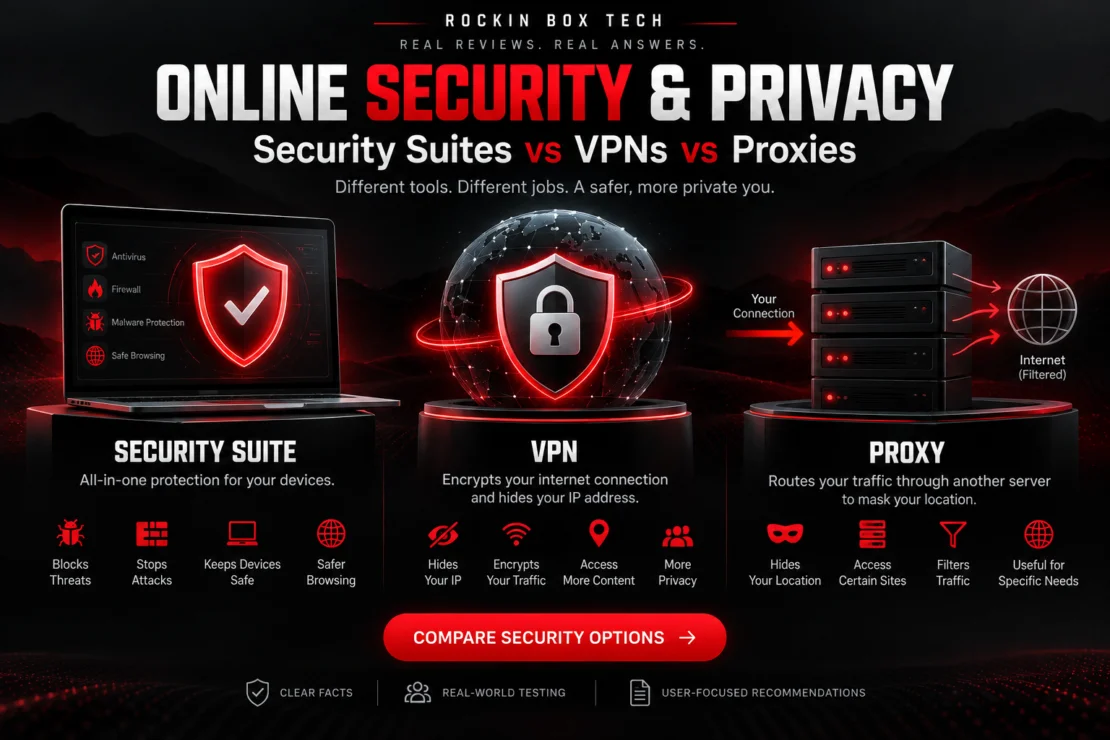
Security suites, VPNs and proxies are not interchangeable. A security suite protects your device from malware and other threats, a VPN protects your internet connection and privacy, and a proxy mainly reroutes specific traffic through another server.
TYPICAL COST
Prices are broad market ranges and can vary substantially by provider, features, promotions and subscription length.
SIDE-BY-SIDE COMPARISON
| Feature | Security Suite | VPN | Proxy |
|---|---|---|---|
| Primary Purpose | Device protection | Connection privacy | Traffic routing |
| Blocks Malware | Yes | No | No |
| Ransomware Protection | Usually | No | No |
| Encrypts Internet Traffic | Only if VPN included | Yes | Usually no |
| Hides Public IP | Only if VPN included | Yes | Usually yes for proxied traffic |
| Protects Entire Device | Yes | Network traffic | Usually specific apps or traffic |
| Public Wi-Fi Privacy | Depends on included VPN | Excellent | Limited |
| Location Masking | Depends on VPN | Excellent | Good |
| Phishing Protection | Often included | Limited | Usually no |
| Firewall Tools | Often included | Usually no | No |
| Best For | Overall device security | Privacy & encrypted browsing | Specific routing tasks |
WHAT EACH TOOL ACTUALLY DOES
Security suites typically combine antivirus, anti-malware, ransomware protection, phishing defense, safe-browsing tools and other security features into one package. Some premium plans also include a VPN, password manager or identity-monitoring tools.
A VPN creates an encrypted connection between your device and a VPN server. This helps prevent local network observers from reading your traffic and hides your public IP address from websites you visit.
A proxy sends selected traffic through another server before it reaches the destination. This can change the IP address seen by a website, but many proxies do not provide the full-device encryption or privacy protection of a VPN.
PROS & CONS
- PRO: Protects against malware
- PRO: Often includes ransomware protection
- PRO: Can include phishing protection
- PRO: Often protects multiple devices
- CON: Can use system resources
- CON: Premium packages can be expensive
- CON: Does not automatically provide full internet privacy
- PRO: Encrypts internet traffic
- PRO: Hides your public IP address
- PRO: Excellent for public Wi-Fi
- PRO: Can change apparent location
- CON: Can slightly reduce connection speed
- CON: Does not stop malware by itself
- CON: You must trust the VPN provider
- PRO: Simple traffic rerouting
- PRO: Can mask IP for specific traffic
- PRO: Useful for filtering or specialized access
- PRO: Often lightweight
- CON: Usually not encrypted
- CON: Often protects only one application
- CON: Free proxies can create privacy risks
WHO NEEDS WHICH?
- You want protection against malware and ransomware.
- You want phishing and malicious-site protection.
- You manage several computers or devices.
- You prefer an all-in-one security package.
- You regularly use public Wi-Fi.
- You want your internet traffic encrypted.
- You want to hide your public IP address.
- You value additional online privacy.
- You need to route only specific traffic.
- You need simple IP masking for a particular application.
- You manage filtering or network routing tasks.
- You understand its privacy limitations.
BEST OPTION BY USE
RBT VERDICT
There Is No Single Winner — Because These Tools Do Different Jobs.
A security suite is the most important choice for protecting a device from malware, ransomware, phishing and other common threats. A VPN is the better tool for protecting your internet connection and improving privacy.
A proxy can still be useful for specialized traffic-routing tasks, but it should not normally be treated as a replacement for either antivirus protection or a trusted VPN.
For most users who want stronger overall protection, the most complete setup is a reputable security suite combined with a trusted VPN.
RESEARCH DISCLOSURE
Rockin Box Tech comparisons are research-driven technical evaluations based on documented security technologies, publicly available product information, industry-standard functionality and relevant technical research. Individual products and services are not necessarily physically tested by Rockin Box Tech. Features, pricing, privacy policies and technical capabilities vary by provider and may change over time. No security or privacy technology can guarantee complete protection against every threat.